Aero. The browser I wanted
Building a native macOS browser around what I loved about Arc: a sidebar, a keyboard-first workflow, and care for the details. My own take on a lighter everyday browser, built with Swift and WebKit.
It started with Arc
I started using Arc in 2023, as one of its early users, and quickly grew attached to it. The sidebar changed how I organised my tabs. Keyboard shortcuts and a command bar that combined search and actions made everyday browsing feel effortless. Even the small interactions felt considered. It was software I loved using.
When The Browser Company shifted its focus from Arc to Dia, I struggled to find that feeling again. In my own use, Dia felt heavy: slow to open, hungry for memory, and full of features I rarely reached for. I knew what I wanted from a browser, but no longer felt at home in mine.
Personal software, with my own constraints
As coding models became more capable, building a browser for myself started to feel realistic. Aero is my experiment in personal software: using AI to help build a tool around my habits, while making the product, design and engineering decisions myself.
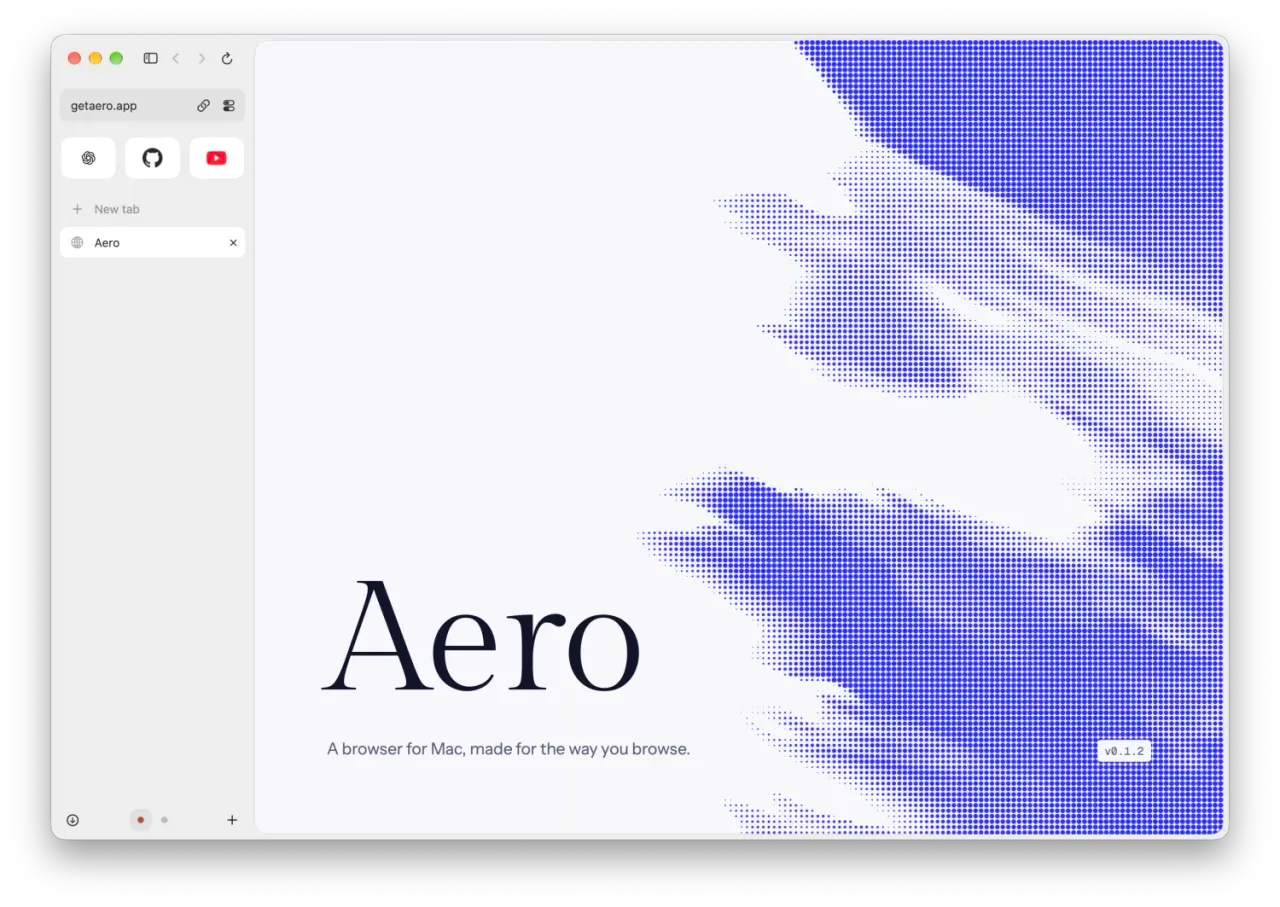
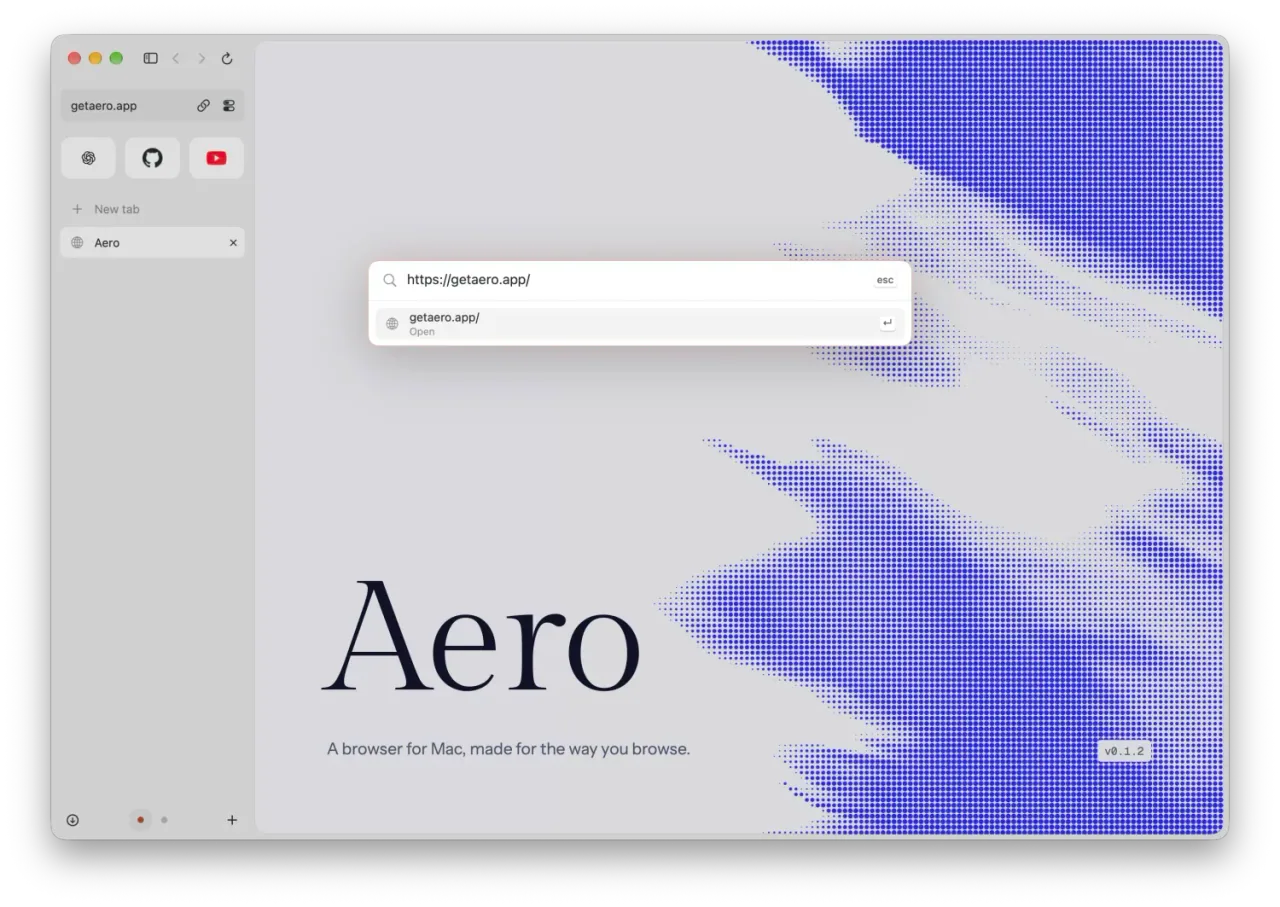
The brief was simple: a native Mac app, a sidebar, fast access to searches and commands, and careful use of memory. Aero is built in Swift with SwiftUI, AppKit and WebKit, specifically for Apple Silicon. Profiles keep browsing contexts separate; favourites and tabs live in the sidebar; one control bar handles addresses, searches and browser actions.
One bar for addresses, searches and actions.
Choosing what the browser carries
WebKit lets me use the web engine provided by macOS without shipping Chromium. It also means accepting trade-offs: some websites and extensions expect Chromium features that WebKit does not offer. Aero supports web extensions through WebKit, including installation from the Chrome Web Store, but compatibility depends on the APIs each extension needs.
Memory is a design constraint throughout the app. Restoring a session does not load every page. Tabs load when needed, and eligible background tabs can hibernate. These choices are how I work towards a lighter browser; the engine alone is not a guarantee.
The details are part of the project
A large part of the work went into how Aero looks and feels. I developed its visual identity around a serif wordmark, blue accents and a dithered wind motif, then kept the browsing interface quiet so the page has room.
That care extends to the interactions: the sidebar revealing itself at the edge, consistent shortcut hints, responsive hover states and short spring animations. Motion should make an action easier to follow, then stop. This attention was a big part of what made Arc special to me, and something I wanted to carry into my own work.
Aero is still evolving. It began with a browser I wanted for myself, but I am making it available to people who share those priorities. If that sounds familiar, you can try Aero.